· 8 min read · By Football Schedules Hub · Updated
.jpg)
Thanksgiving weekend asks a little more of a football schedule than an ordinary Saturday. Games share space with family visits, meals, shopping plans, travel, and supporters trying to follow different teams from the same living room. The weekend works better when everybody knows which details are confirmed and which decisions can still wait.
In 2026, Thanksgiving is Thursday, November 26, followed by Friday, November 27, and Saturday, November 28. College football appears across that span, so a Saturday-only plan can miss games you care about. Here is a practical way to organize the weekend while keeping the football and the rest of the holiday in balance.
Build a three-day college football calendar
Create separate entries for Thursday, Friday, and Saturday. Add the games you actually want to watch, then record the confirmed kickoff, time zone, broadcaster, and venue. Keep any pending assignment visibly pending instead of filling the space with an expected television slot.
This works better than saving a large graphic and assuming everyone will interpret it the same way. A family member may notice the team name but miss the day. Another may copy the hour without its zone. A simple shared calendar can make those differences much easier to spot.
Decide which games are priorities and which are optional viewing. That distinction gives the group room to make other plans without treating every listed broadcast as a fixed household commitment. You can follow a busy weekend comfortably without requiring everyone to watch every snap of every game.
Thursday includes a confirmed Big 12 matchup
The Big 12’s official weekday announcement places TCU at Texas Tech on Thursday, November 26. Use the current conference, school, and broadcaster listings to confirm the final kickoff and television assignment rather than assuming a traditional holiday slot applies automatically.
This is a useful reminder that a Thanksgiving football conversation can involve both college and professional games. Check the competition and matchup carefully when somebody shares a schedule. A television package or reminder intended for one event does not necessarily solve the viewing question for another.
If Thursday football is part of a family gathering, agree on the practical arrangement early. Will the game be on the main screen, recorded for later, or followed on another device? A clear decision is easier than trying to negotiate the viewing setup while people are serving food or arriving from a journey.
Friday deserves its own reminders
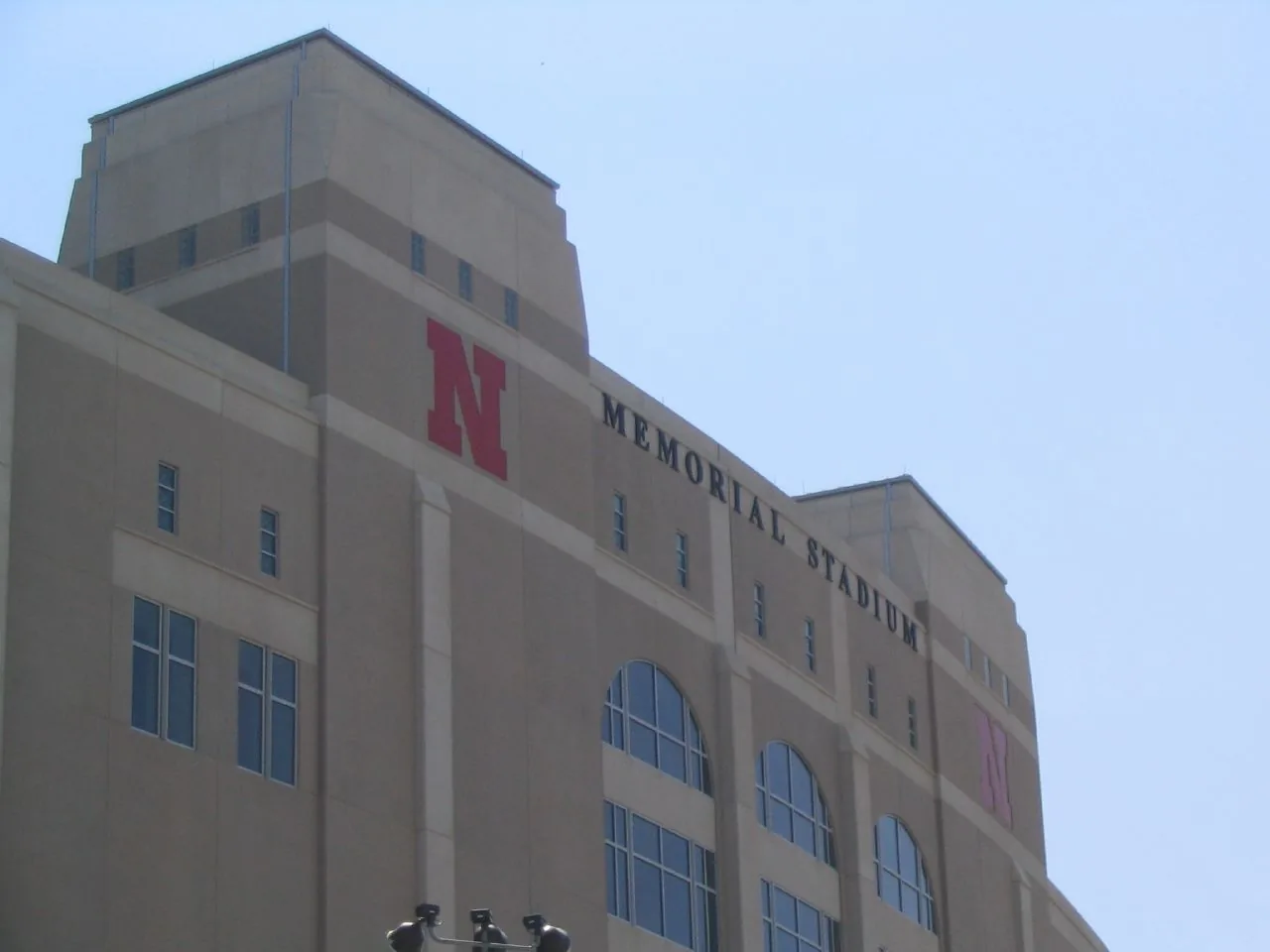
Iowa’s official schedule places Nebraska’s visit on Friday, November 27, while the Big 12 lists West Virginia at Utah that day. Those dates make Friday a genuine part of the college football weekend rather than merely preparation for Saturday.
Do not copy a school’s usual Saturday routine into the calendar without checking. Work schedules, local transport, and family commitments can be different on a holiday Friday. The game date may be familiar to devoted supporters while still surprising someone who is joining the trip or watch party for the first time.
Keep each kickoff’s zone attached to the listing. A Friday game in one region may fall at a very different hour for supporters elsewhere. If the group is spread across the country, adding a clearly labelled local conversion is more useful than expecting everyone to remember the same subtraction.
Saturday brings another full set of priorities
The official schedules place Michigan at Ohio State and Auburn at Alabama on Saturday, November 28. Check the current assignment for each matchup before arranging a tight viewing handoff. Famous rivalries deserve the same basic verification as any other fixture.
A household with supporters of several schools should decide what happens if the games overlap. Another screen, a recording, or a later replay may be more comfortable than repeatedly switching away from a close finish. Check the available features and account limits before the weekend begins.
Leave some space in the plan for games that run late. A listed television window is a programming guide, not a guarantee that the final whistle will arrive at a convenient moment. If your main interest is a rivalry’s ending, do not build an arrangement that requires abandoning it on schedule.

Check the holiday trip against the earliest possible kickoff
When an exact time remains unannounced, compare your journey with the earliest remaining realistic window. A plan that works only if the game starts late is still a conditional plan. Keep that limitation clear when discussing bookings and arrival times with the group.
Read the actual reservation terms before relying on flexibility. Different tickets, rooms, and transport products can have different conditions even when sold by the same company. A friend’s experience changing a booking last year does not establish what your current purchase allows.
Separate the decision to visit family from the decision to attend the stadium. Some parts of the trip may remain worthwhile even if a kickoff complicates attendance. Understanding which commitments are fixed and which can change helps everyone make a plan that is realistic rather than simply optimistic.
Make the stadium visit a separate checklist
Use the school or venue’s current game-day information for parking, gates, bags, mobile ticketing, and accessibility arrangements. A correct kickoff does not tell you when a parking area opens or which entrance your ticket requires. Those operational questions need their own answers.
If several people are meeting from different directions, choose a clear meeting point and a backup way to communicate. Keep the ticket holder’s arrangements separate from the driver’s route so a small delay does not leave the whole group uncertain about who can enter or where to wait.
Plan the return journey as carefully as the arrival. A late finish, crowd departure, or change in weather can affect the evening. The useful preparation is to leave reasonable flexibility and consult the current transport information, not to assume that leaving the stadium takes the same amount of time as arriving at an empty venue.
Verify streaming access at the holiday location
An account that works at home should still be checked before you rely on it elsewhere. Read the provider’s current household, travel, and location rules. A television in a relative’s house or a holiday rental may need a different supported sign-in process from your own screen.
Confirm the exact channel or service assigned to the game. ESPN television and ESPN+ are different labels, and a conference network should not be assumed to come with every sports subscription. Test the intended device and account rather than waiting for kickoff to reveal a missing entitlement.
If the household plans to watch several games simultaneously, check stream limits and supported features. This is particularly useful when different people want different broadcasts. A modest rehearsal can prevent the gathering from becoming a series of password resets and account purchases during the first quarter.
Use time zones carefully when people travel
Keep the broadcaster’s original time-zone label and add the local time relevant to the viewer or destination. Your departure city, the stadium, and the television listing may not all use the same clock. Writing down the conversion is more reliable than carrying it mentally through a busy journey.
Calendar apps can help, but inspect the imported event. A confirmed timed game may be converted to the device’s local zone, while a kickoff marked TBA can appear as an all-day reminder. Those are different kinds of entries and should not be treated as conflicting announcements.
For the 2026 holiday weekend, use the current date when checking any conversion rather than applying a summer abbreviation automatically. Daylight saving changes can make old examples misleading. The official kickoff and its zone should stay with the event even when your calendar displays a useful local equivalent.
Protect recordings from spoilers and short end times
If you plan to watch later, check how the service handles recordings, replays, and programs that run long. A highlights package is not necessarily the full game, and access to a live event does not automatically establish how long a replay remains available.
Consider extending a recording when the provider supports that option. Overtime and interruptions can move the ending beyond a tidy program block. Confirm the feature directly instead of assuming the system will always make the adjustment you want.
Then manage spoilers intentionally. Silence score alerts, avoid opening a live scoreboard, and let friends know if you are watching on delay. A holiday weekend can create many accidental opportunities to hear a result, especially when several games are on different screens in the same household.
A worked plan for a mixed-supporter household
Imagine a household with one supporter focused on a Friday rivalry and another waiting for a Saturday game. The group also has a fixed family meal and a journey to make. Listing those commitments first reveals which decisions are truly in conflict and which can coexist comfortably.
The Friday game might become the main live viewing event, while an overlapping optional broadcast is recorded. The Saturday supporter can have a separate confirmed window without turning the entire holiday into continuous television. If an exact kickoff is pending, the plan can preserve alternatives rather than selecting a convenient hour prematurely.
The point is not to impose one ideal holiday schedule. It is to make the trade-offs visible. A short shared plan can respect several supporters and the non-football parts of the weekend at the same time, which is usually more enjoyable than treating every programme change as an emergency.
Make one final official-source check
Before travelling or hosting, confirm each priority game’s date, time, zone, venue, and broadcast. Look for later official announcements if a field remains pending or a disruption has occurred. Keep the relevant school and broadcaster links in the shared plan.
Football Schedules Hub can help you compare the three-day slate and reach individual team schedules. Read the update date and verify any newer assignment with the official source. A downloaded schedule is useful organization, but it should not be mistaken for an automatically updated promise about every detail.
Thanksgiving football is most enjoyable when the plan is clear enough to stop thinking about it. Confirm the important games, leave room for the unexpected, and decide which parts of the weekend matter most to your household. Then let the schedule support the holiday rather than take it over.
Sources and further reading
Official references checked for this guide’s October 25, 2026 review. Broadcast assignments and event details can change.
Start here
Browse the site
Browse all teams · The full 2026 schedule · Postseason planning