· 8 min read · By Football Schedules Hub · Updated
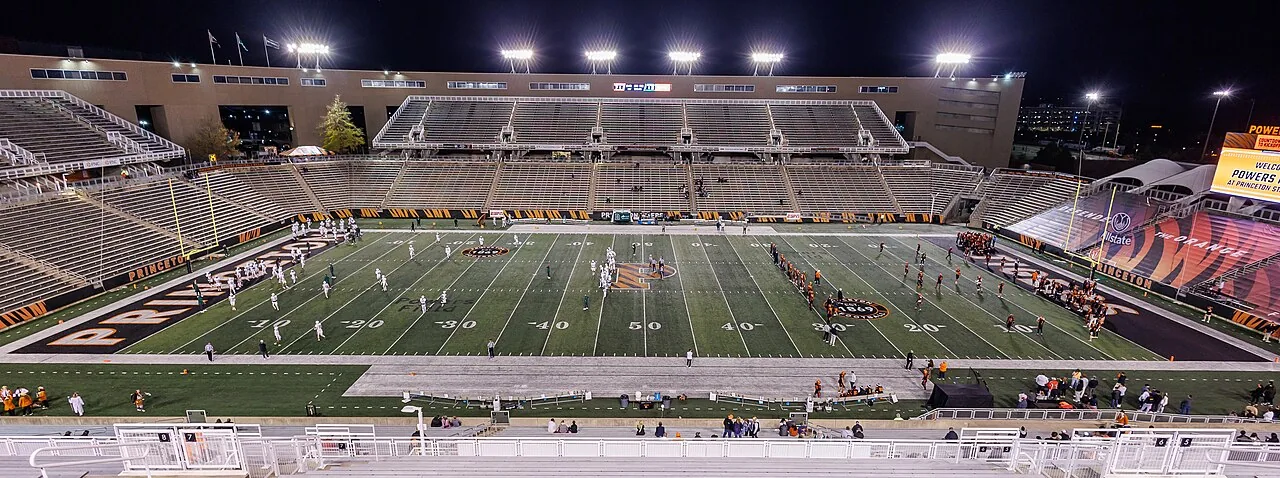

Friday night college football can feel like a bonus at the start of the weekend, but it should not be treated as a smaller or less carefully scheduled version of Saturday. A planned Friday fixture has its own date, broadcaster, travel needs, and place in the season’s conference race.
For viewers, the advantage is simple: another opportunity to follow a game outside the busiest Saturday slate. For supporters attending, the practical questions can be different because work, school, and transport schedules are still part of the day. This guide explains how to find the correct assignments and plan around them without relying on assumptions from a typical Saturday routine.
Planned weekday games are part of the published schedule
Conferences can announce selected Friday and other weekday games well before the season. The Big 12’s official 2026 weekday release, for example, identifies a set of Friday fixtures and a Thanksgiving Thursday matchup. Those are planned assignments, not necessarily games moved at the last minute.
Read the school’s actual calendar rather than assuming every football row belongs to Saturday. A supporter who saves only the opponent and month can easily miss a change in day. Keep the day of the week visible whenever you share the fixture with someone who does not follow the team closely.
This is especially useful when making calendar imports. Check that the event landed on the correct date and that an unannounced kickoff remains labelled as pending. A neat-looking reminder is not helpful if it quietly relocates a Friday game to the Saturday the viewer expected.
Why a different day can help viewers find a game
A Friday fixture gives supporters a separate viewing opportunity from the crowded Saturday schedule. It can make it easier to focus on one matchup rather than choose among several simultaneous games. That is a practical viewing observation, not a claim about the financial terms of any particular conference agreement.
The actual reasons and arrangements for a specific assignment should come from the conference or broadcaster’s announcement. Avoid repeating unsupported claims that every Friday game was moved for the same reason or that every participating school receives the same benefit.
For the viewer, the useful question is how the assignment fits your own weekend. You might be able to watch a conference opponent, follow a team outside your usual league, or enjoy your own school’s game before Saturday commitments begin. The different slot is an opportunity, but access still depends on the named broadcast.
Use confirmed 2026 examples to understand the calendar
The Big 12’s published list includes Baylor at UCF on October 30, TCU at Arizona on November 6, Houston at Colorado on November 13, and Iowa State at UCF on November 20. Those examples show that Friday assignments extend beyond one special opening weekend.
Use the current school and conference listings for the exact kickoff and broadcaster. The original weekday announcement established dates while noting that specific television details would be supplied separately. A confirmed Friday does not, by itself, establish one universal Friday-night start time.
When browsing Football Schedules Hub, compare the date and update note with the official release. If a newer assignment has appeared, use that official information for immediate plans and report the discrepancy with its supporting link. Keeping the source visible makes a schedule correction straightforward.
Not every Friday kickoff is at night for every viewer
The phrase “Friday night football” is convenient shorthand, but it can hide a time-zone problem. A game played in the evening at the stadium may fall earlier or later for a supporter elsewhere. Holiday Friday fixtures can also occupy different parts of the day.
Keep the original kickoff zone with the listing and add a clearly labelled local conversion if needed. This is particularly helpful when a family follows teams across several regions. The same numeric hour without its zone can produce several different interpretations in a group chat.
Check the date after an international conversion too. A late American Friday broadcast can fall on Saturday for a viewer abroad. That does not mean the game has been rescheduled. It means the event is being displayed on a different local clock, which a good calendar should make clear.
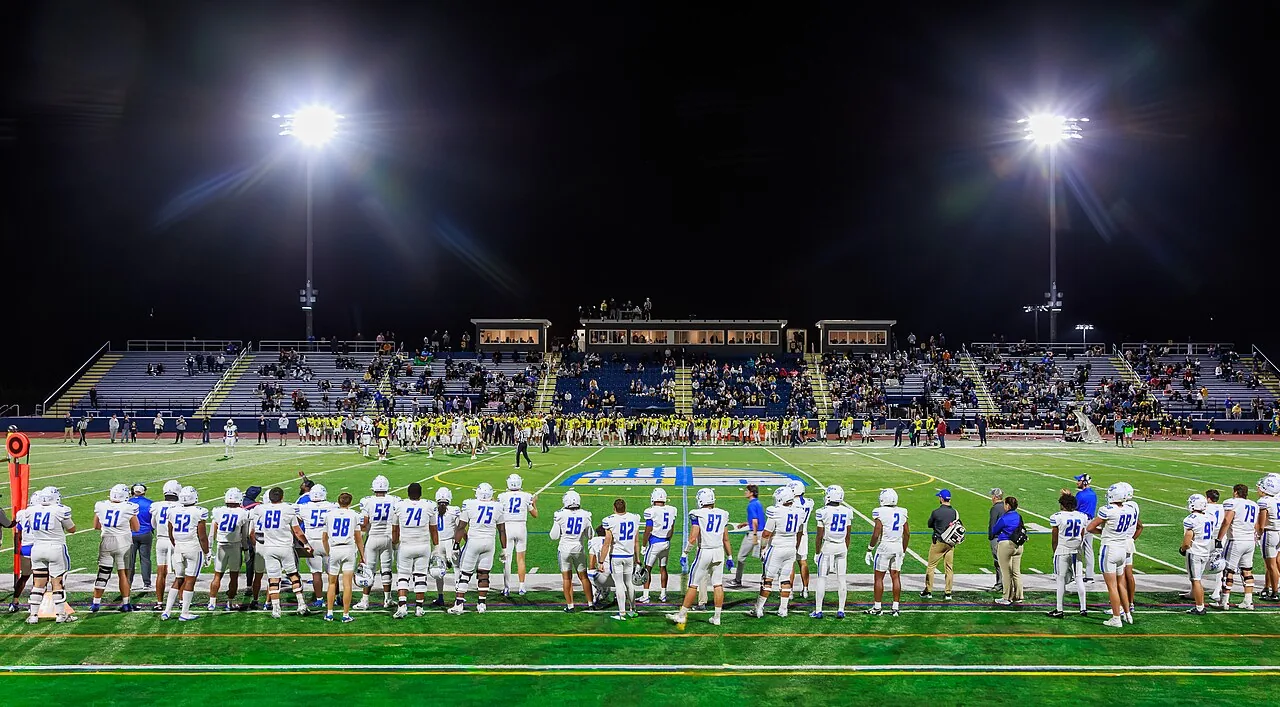

Find the correct television or streaming assignment
Start with the exact matchup on the official school or conference schedule. Then open the named broadcaster’s event page. Copy the complete label, including numbers and plus signs, rather than assuming a general sports subscription covers every similarly branded broadcast.
A network family is not a single channel. FOX and FS1 are different labels, and ESPN television and ESPN+ require separate attention. The correct account is the one that includes the assigned event through an authorized route, not simply one with a familiar logo.
Test access before the working day becomes busy. Install or update the app on the intended device, confirm the account or provider authentication, and check the current package. A few minutes of preparation can keep the evening from beginning with a locked screen and an unnecessary second purchase.
Attending a Friday game starts with the journey
For an in-person visit, compare the kickoff with the time you can realistically leave work or school. Do not build the entire trip around an unusually smooth journey. Leave practical room for reaching the stadium area, parking, entry, and the walk to the seat.
Read the venue’s Friday game-day information. Parking areas, campus access, and event operations may have instructions specific to that date. A stadium guide from an ordinary Saturday can be a useful background resource without settling every practical question for a weekday event.
Coordinate the group’s arrangements early. If one person carries the tickets while another drives, make sure a delay does not leave everyone unsure how to meet or enter. Keep a clear contact plan and the current official event information together rather than relying on several different screenshots.
The return trip deserves equal attention
A Friday evening event can finish late, especially if the game runs long. Consider the journey after the final whistle before committing to a plan that assumes an exact departure. The advertised television window is not a guarantee about when the stadium will empty.
Check the transport options you intend to use and any current venue guidance about departure. If the group needs accommodation, read the actual booking terms and confirm the location relative to the stadium. The cheapest-looking option may not fit the practical trip once transport is considered.
For a group with different Saturday commitments, discuss those before the game. Someone who can enjoy a late return comfortably may have a different limit from a passenger who needs to be elsewhere early the next morning. Making the trade-off explicit is more useful than leaving it to a conversation after the game ends.
Keep a planned Friday fixture separate from a rescheduled game
Sometimes a game changes because of a disruption. That is a different situation from a weekday assignment published in the normal calendar. Read the official announcement to understand whether the date changed, the kickoff changed, or only the broadcast information was updated.
Avoid treating every different listing as proof of a postponement. An older schedule may simply be missing a later assignment, or a viewer may have converted the kickoff into another time zone. Check the season, opponent, venue, and announcement date before deciding what happened.
If there has been a genuine change, update the event deliberately. Replace outdated reminders, share the supporting source, and check which parts of the travel or viewing plan need attention. Changing every field at once can create new errors when the official announcement concerned only one specific detail.
Follow the result into Saturday’s conference picture
A Friday result can affect the standings before other teams begin their weekend games. Use the confirmed final score and the correct conference record when following that picture. A game still in progress should not be included as though its outcome has already been settled.
Keep conference and overall records separate. A nonconference Friday game may matter to a team’s broader season without changing its league record. A conference fixture can affect the qualification race, but the actual consequences still depend on the applicable standings and tiebreaker rules.
For discussion, distinguish an observation from a projection. “The team added a conference win” is a result. “It will reach the championship” may require additional conditions. Friday provides more information for the weekend, but it does not automatically decide every race being discussed around the broadcast.
A useful Friday viewing checklist
Confirm the day, kickoff, time zone, exact broadcaster, and working account. If you are attending, add the venue’s parking and entry instructions. If you are watching after work, decide whether you need a recording and check the service’s current support for the game running long.
Save a legitimate backup such as the school’s official listening information or live statistics. If your stream is delayed, consider silencing score alerts and letting friends know how you are watching. Different feeds do not always arrive at the same moment.
Friday college football is easiest to enjoy when treated as its own event rather than a shifted version of Saturday. Read the actual assignment, prepare for the practical timing, and connect the result to the season only after it is confirmed. That gives the weekend a useful head start without adding unnecessary confusion.
Holiday Fridays do not all follow a night-game pattern
A Friday date should not be translated automatically into an evening kickoff. Holiday-weekend games can occupy different windows, and a familiar rivalry may require a daytime reminder. The official assignment, not the phrase ‘Friday night football,’ supplies the actual hour.
When planning time away from work or a family visit, read the exact date and time together. If the kickoff is still pending, keep the relevant part of the day flexible rather than assuming the ordinary evening routine will apply. Share that uncertainty with anyone making arrangements around your attendance.
This distinction is useful for viewers abroad too. Convert the confirmed event using the real date and location, then check whether the local display falls on Friday or Saturday. A weekend label used in American coverage does not remove the need to verify your own clock.
Sources and further reading
Official references checked for this guide’s October 25, 2026 review. Broadcast assignments and event details can change.
Start here
Browse the site
Browse all teams · The full 2026 schedule · Postseason planning