· 8 min read · By Football Schedules Hub · Updated

TBA means “to be announced.” On a college football schedule, it usually marks a detail that the page has not confirmed, such as the kickoff time or broadcaster. It does not automatically mean that the opponent, game date, and stadium are all unknown.
That distinction matters when you are booking a trip, setting a recording, or simply deciding which part of Saturday to keep free. The most helpful response to a TBA is to identify the exact field it belongs to, then check the newest official announcement. This guide explains how to do that without turning a missing detail into a guess.
Read the label in its own column
Look across the entire game row before deciding what TBA means. A schedule might show an opponent, a Saturday date, a home venue, a TBA kickoff, and no television assignment. Four fields can be settled even though the time remains open.
The opposite arrangement is possible too: a broadcast window may be known while the exact network is still pending. A single abbreviation cannot explain the whole event. Read column headings, notes, and any key beneath the schedule. On a mobile screen, swipe across a table if part of the row is hidden.
For example, a row reading “October 31, opponent named, home, time TBA” supplies a planning date but not an arrival deadline. It would be unreasonable to translate that into a noon game, and equally unreasonable to assume the school has not chosen a stadium. Keep confirmed fields and unresolved fields separate in your own notes.
TBA and TBD are similar signals, not secret forecasts
TBD generally means “to be determined.” Some publishers use TBA and TBD differently; others use them almost interchangeably. Unless the schedule explains its own convention, avoid reading too much into the choice of abbreviation. Neither label tells you that a particular time is secretly more likely.
The useful question is whether the page identifies an unresolved decision or simply lacks a newer announcement. A publisher’s database may still carry a placeholder after the school has released the exact time. That is an update issue, not evidence that the official announcement should be ignored.
If two pages disagree, compare their publication dates and sources. Find the announcement closest to the event rather than counting how many sites repeat the same placeholder. Several sites may draw from the same older feed. Repetition can make outdated information look well supported without adding any new confirmation.
A missing kickoff does not make the date provisional
College football dates and exact times are often announced on different schedules. Schools and conferences can publish a playing date before television selections are complete. The result is a perfectly useful fixture row with an unresolved kickoff.
This is why a TBA should not stop every part of your planning. You may be able to choose the weekend, coordinate who is travelling, or investigate accommodation. What you cannot safely do is promise an exact stadium meeting time based on a kickoff that has not been published.
Separate those decisions. A friend asking whether you are free that Saturday needs a different answer from a driver asking when to collect you after the game. You can say the game date is confirmed while explaining that travel timing remains flexible. That is more informative than treating the entire event as unknown until every field in the schedule is filled.
Why the broadcaster may be missing too
Television selections influence how games fit into a weekend’s program lineup. Some broadcasts are fixed early; others are assigned nearer game week under the relevant conference and television arrangements. A missing channel can therefore appear alongside a missing kickoff.
Conference membership provides context, but it is not a channel assignment. A school associated with a particular group of broadcasters can still appear on different networks during the season. For an away game, the home program’s arrangements may be important. Do not fill a blank television field with the channel that showed last week’s game.
A broad label such as “ESPN networks” may also leave an important question unresolved. ESPN television, ESPN2, a conference network, and an ESPN+ listing are different viewing instructions. Wait for the specific assignment before deciding that the subscription already on your television covers the game. The precise listing is what turns a broad expectation into a usable viewing plan.
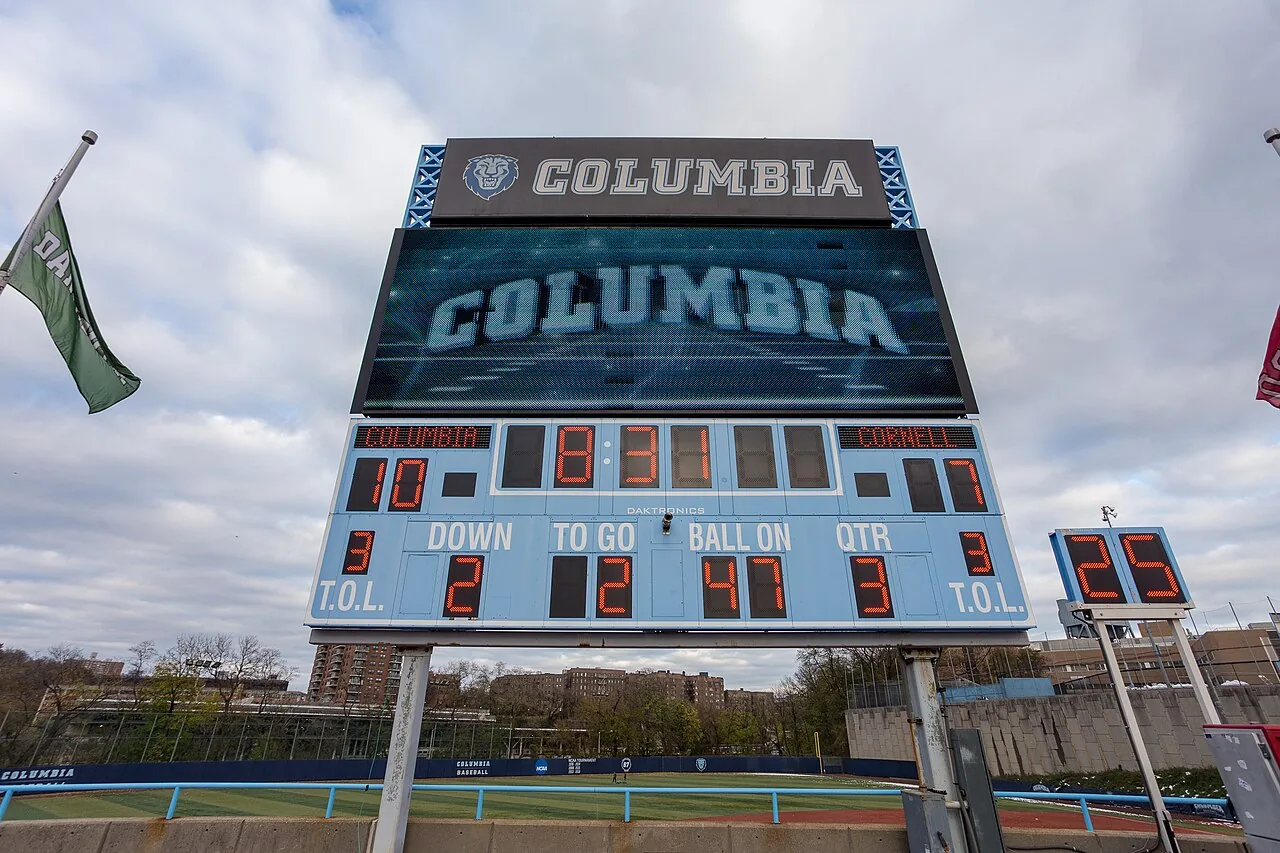

How to verify a TBA listing
Start with the school’s official football schedule. Look for a recent game-week announcement and check the conference’s broadcast release. If a network is named, compare its own event listing. Confirm that every page concerns the same season and meeting between the teams.
Read the time zone and the venue as carefully as the hour. An away meeting from an earlier season can appear high in search results, particularly for a recurring rivalry. The right team names do not prove you have found the right game. Dates and locations are useful cross-checks.
On Football Schedules Hub, read the data update date and coverage notes. A TBA in a supplied snapshot does not prove that the school has made no announcement since. If you find a newer official release, use it for your immediate plans. When reporting a correction, include the affected page and the announcement that supports the replacement.
What to put in your calendar while you wait
Use an all-day reminder on the confirmed game date and label it clearly: “kickoff TBA.” Put the opponent and venue in the event notes, along with a link to the school’s schedule. This keeps the weekend visible without giving a guessed hour the appearance of certainty.
Avoid using midnight as if it were a real kickoff. Some calendar tools or data feeds need a technical value to store an event, but a technical placeholder should not become a human instruction. If an imported event appears at an implausible time, inspect its notes and the original schedule before acting on it.
After the official time arrives, update the existing event carefully. Importing another file may create a duplicate instead of replacing the first reminder. Check how your calendar handles updates and subscriptions. A one-time downloaded schedule is not necessarily a live feed, so later changes may require another deliberate edit.
How to make travel plans around a time window
If a conference announces a broad television window, preserve that wording in your plans. An afternoon window is more useful than a completely unknown kickoff, but it still does not identify the precise start. Make decisions that remain sensible across the possible hours.
For travel, consider the earliest arrival you might need and the latest departure you could face. Check the actual terms of any reservation before treating it as changeable. A flexible plan depends on what the booking allows, not on whether a friend successfully changed a similar booking on a previous trip.
Keep gate opening, parking access, tailgating, and kickoff separate. Venue operations may publish their own schedules and restrictions. A supporter can know the game time yet still arrive at a parking area before it opens. The game row provides the sporting event; the venue’s game-day guide supplies the practical instructions around it.
TBA does not mean cancelled, postponed, or live
These labels describe different conditions. A cancellation means the event will not proceed as scheduled. A postponement indicates a change or interruption. “Live” describes a game in progress. TBA simply tells you that a field has not been announced or confirmed in the listing you are reading.
If the date passes and a schedule still shows TBA with no result, do not infer that the game was never played. The page may be incomplete. Check the official game report or scoreboard before drawing a conclusion about the event or calculating the team’s season record.
The most reliable habit is simple: read the whole row, identify the unresolved field, check the latest official source, and update your own plans. A small abbreviation becomes much less frustrating once it is treated as a question about one piece of information rather than a mysterious statement about the entire football weekend.
An example of resolving two conflicting listings
Suppose a general sports calendar shows a Saturday matchup with a TBA kickoff. The school then publishes a game-week announcement naming a 3:30 p.m. Eastern start and a broadcaster. The older calendar still appears first in a search, while a friend sends you the newer release. These pages are not necessarily describing two different scheduling decisions; one may simply be behind.
First confirm that both refer to the same season, opponent, and venue. Next compare their update dates and read whether the school describes the time as confirmed. If those checks line up, use the newer official announcement for your plans. There is no need to average the information or wait until every third-party listing catches up.
Update the calendar event that your group actually uses, keeping the source link in its notes. Then report the outdated listing with the supporting announcement if the publisher offers a correction route. That creates a useful correction trail and helps the next reader. It also demonstrates the right role for a schedule aggregator: convenient organization supported by transparent sourcing and timely corrections, rather than authority created by appearing higher in a search result.
What if the opponent itself is TBA?
An unknown opponent is a different kind of missing information from an unknown kickoff. It can occur in an event whose participants depend on earlier results or a later selection. Read the event’s explanation rather than assuming a blank opponent means the date or venue is wrong.
For a hypothetical postseason event, the organizer may have announced the stadium and day before the teams are selected. Those confirmed details can help supporters understand the calendar, but they do not prove that their school will participate. A projection belongs in a separate category from the announced field.
Label the unresolved field explicitly when saving the event. Writing ‘participants pending’ communicates something different from ‘kickoff pending.’ Once the selection is confirmed, check the whole event again before replacing the reminder, because knowing the opponent does not automatically settle every remaining viewing or travel detail.
Sources and further reading
Official references checked for this guide’s October 25, 2026 review. Broadcast assignments and event details can change.
Start here
Browse the site
Browse all teams · The full 2026 schedule · Postseason planning